Dead zones
Keep them low enough for quick response, but not so low that the stick drifts.
Settings guide
Controller settings should reduce friction, not add more of it. You want fast aiming, readable inputs, and a layout you can trust under pressure.
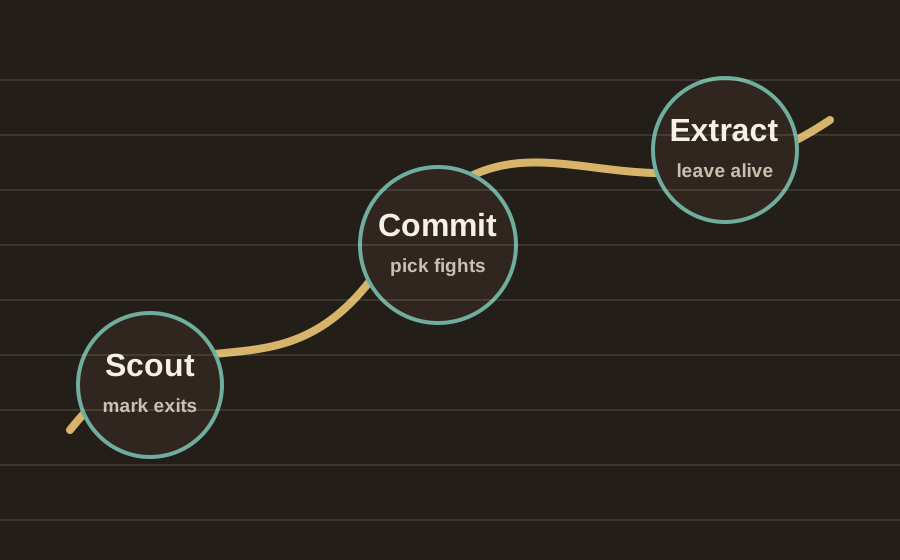
Settings priorities
Start with control feel, then fine-tune precision. Do not chase pro settings blindly if the base layout feels awkward.
Keep them low enough for quick response, but not so low that the stick drifts.
Pick a setting that lets you turn, track, and disengage without overshooting.
Keep jump, heal, dodge, and weapon swap close enough that you do not hesitate.
Practical rule
The right controller setup is the one you can repeat in a fight. If you hesitate, lower complexity.
Keep the layout familiar until you know exactly which button change helps.
Try changes in a cheap run before trusting them in a boss or PvP fight.
Once a setting works, stop changing it every session.