PC troubleshooting
Mistfall Hunter Crash Fix
Start with the boring checks. Most launch problems are driver, file integrity, anti-cheat, storage, or system requirement issues before they are mysterious bugs.
Requirement checkFirst
File verifySecond
Driver updateThird
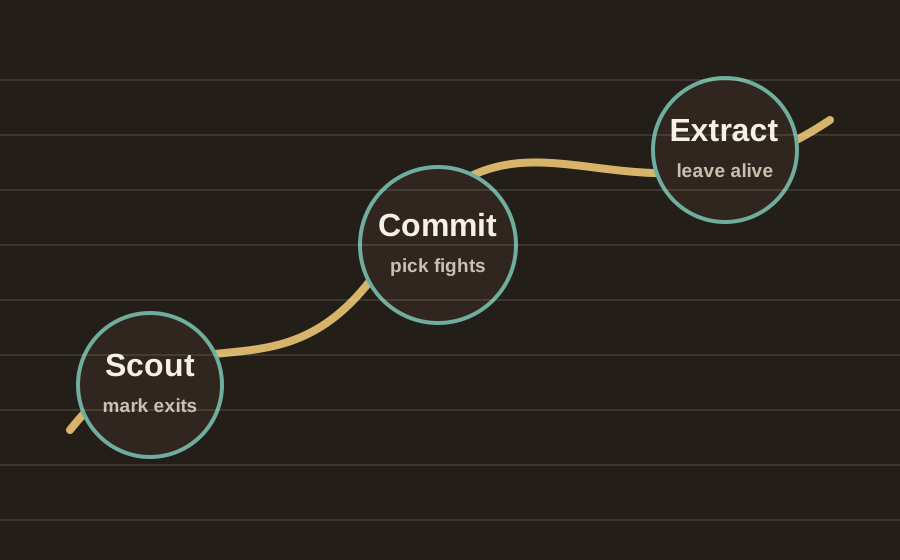
Fix order
Try these steps in order
Do not change ten things at once. If one step fixes it, you want to know which one worked.
| Step | Status | Player note |
|---|---|---|
| Check system requirements | Recommended | Confirm OS, CPU, GPU, RAM, DirectX, storage, and SSD recommendation on Steam. |
| Verify game files | Recommended | Use Steam file verification before reinstalling. |
| Update GPU drivers | Recommended | Install current NVIDIA, AMD, or Intel drivers and reboot. |
| Check anti-cheat | Recommended | Allow Bellring Anti-Cheat through security tools only from official install paths. |
| Close overlays | Try next | Disable capture, FPS, mod, and overlay tools if crashes happen at launch. |
| Move to SSD | Try next | If the game is on a slow drive, move it to an SSD if available. |